
Top 3 Fastest and Most Stable PS2 Emulators for PC
PS2 emulators aren't demanding and they can run on almost any PC


 4 min. read
  Updated on
Key notes
- There are just a handful of PS2 emulators for PCs that are being actively developed.
- The support for games is limited, but some emulators can handle 99% of PS2 games.

If you’re itching to play your favorite PS2 games on a PC, you’ll need an emulator that’s both fast and stable. Nobody wants lag or crashes messing up the fun. In this article, we’ll dive into the top 3 PS2 emulators that strike the perfect balance between speed and reliability—so you can enjoy smooth gameplay without the hassle.
What is the best PS2 emulator for PC?
PCSX2 – Best overall
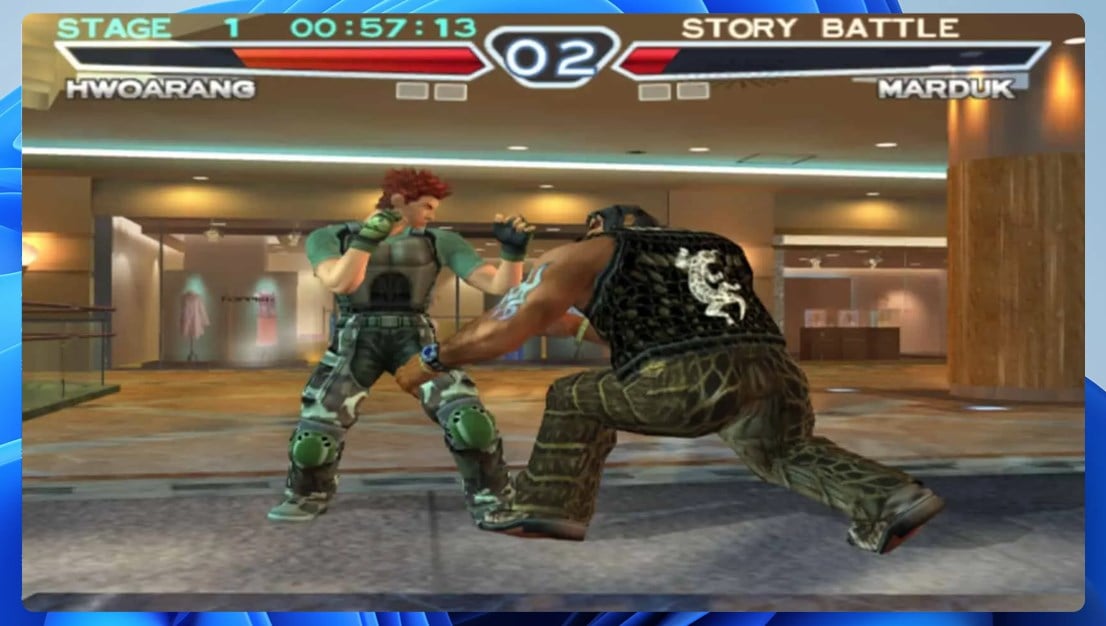
When it comes to PlayStation 2 emulation, PCSX2 is one of the best-known emulators, and rightfully so. The emulator supports 99% of games, but keep in mind that some compatibility issues or glitches may occur.
PCSX2 comes with humble requirements, and it should work great even on older PCs. However, certain games can be more demanding and you may experience performance issues if your hardware can’t handle them.
The software supports custom resolutions and upscaling that can make even older games look sharp. Overall, it’s one of the best PS2 emulators for PC, so be sure not to miss it.
Other great features:
- Open-source
- 99% of games are compatible
- Custom resolution and upscaling
- Patching system
- Internal recorder
Play! – Offers decent compatibility
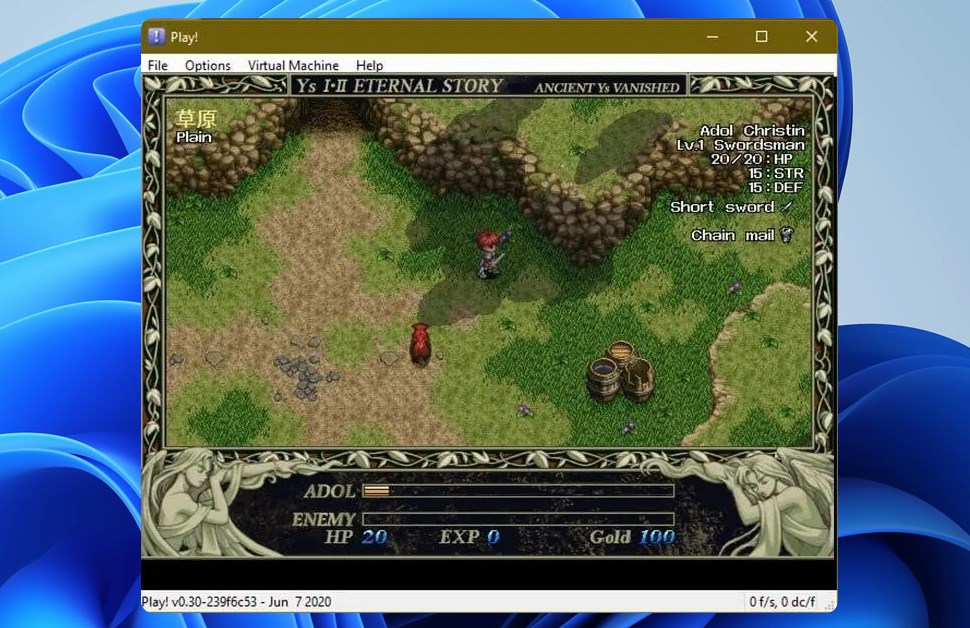
If you’re looking for an open-source and high-level PS2 emulator, then this might be the right choice for you. Since this is a high-level emulator, it doesn’t require a BIOS dump, which is a plus.
The software also doesn’t have plugins thus allowing you more streamlined access to the settings. It’s worth mentioning that not all games are compatible with this application, so you’ll encounter many games that won’t run properly.
While Play! has several advantages, its compatibility is somewhat limited, so it might not be able to run all PS2 titles without issues, which can be a problem for some users.
Other great features:
- Open-source
- Offers high-level emulation
- Doesn’t rely on plugins
- Available on PC, Linux, Mac, Android, and iOS
Hpsx64 – Highly experimental
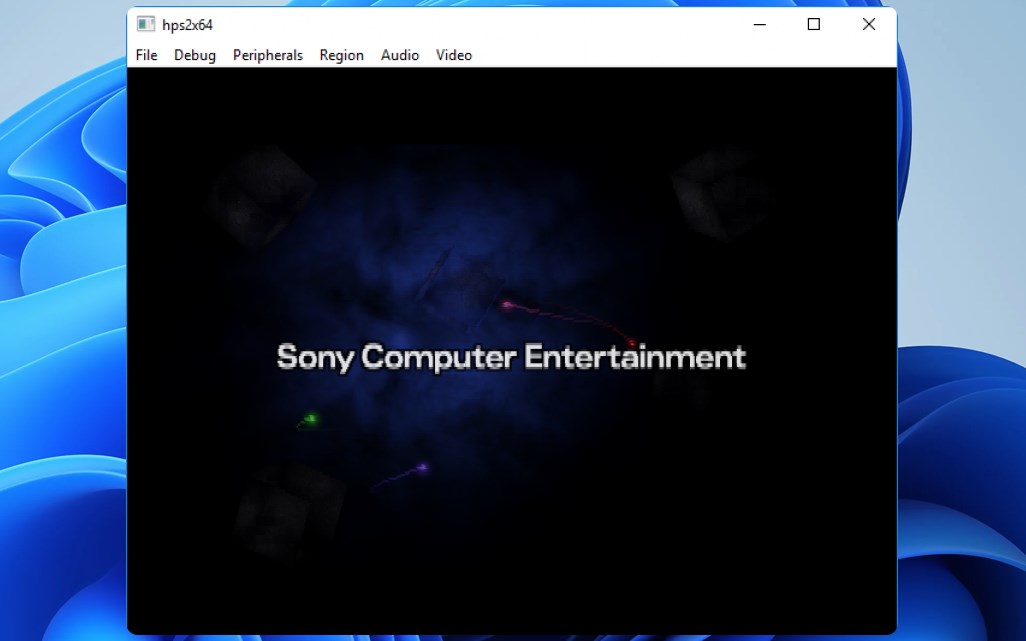
This is one of the lesser-known emulators, and according to the developer, it’s still highly experimental, so many of its features are a work in progress.
Compatibility is pretty limited, and only a handful of PS2 titles can run on this emulator. The software supports different disc image files as well as save states, so you can save your game at any time.
It’s important to mention that there’s joystick support, but you might encounter some issues while using it. We have to admit that hpsx64 is still in the early stages of development, and it lacks many features, but the developer is still working on it, so we expect to see many improvements in the future.
Other great features:
- Open-source
- Supports joystick input
- Save state support
- Can recognize various image file types
Is PCSX2 legal?
PCSX2 and all other emulation software are legal to download and use. However, it’s not legal to download PS2 games, so you can only use the emulator with the games you already own.
Is it safe to use PCSX2?
PCSX2 has been present since 2001, and it’s considered one of the best PS2 emulators. The software is perfectly safe, as long as you download it directly from the developer’s website.
Unfortunately, there are just a handful of PS2 emulators for PC that are still actively developed. If you’re looking for a stable emulator with great compatibility, then the only option is PCSX2.
If you’re a fan of old PlayStation games, you might want to consider using PS1 emulators instead. Of course, a PS3 emulator for PC is available as well.
For last-gen consoles, there are also a couple of great PS4 emulators, but make sure you have enough hardware power to handle them.
If you’re interested in playing newer titles, you can check out how to play PS4 games on PC using official streaming services. For the latest consoles, our guide to the best PS5 emulator for PC will help you get started with top options available today.
What’s your experience with PS2 emulation? Share your experiences with us in the comments!

Read our disclosure page to find out how can you help Windows Report sustain the editorial team. Read more


Improve this guide


User forum
0 messages