
How to Fix Putlocker If It’s Not Working (Quick Guide)


 3 min. read
  Updated on

Putlocker often runs into problems, either from server issues, ISP blocks, or browser errors. If you cannot stream movies or shows, try these quick fixes to get it working again.
How to fix Putlocker if it’s not working?
1. Check if Putlocker is blocked in your region
Restrictions are a common reason why Putlocker stops working. Follow these steps to check:
- Try opening Putlocker from a different device or network.
- If the site loads elsewhere, it is likely blocked on your connection.
- Search online to see if Putlocker is restricted in your country.
- Switch to an alternative streaming site if the block is confirmed.
If you cannot access it at all, try one of the best Putlocker alternatives available today.
2. Verify your internet connection
A weak or unstable connection can stop streaming sites from loading. Here is what to do:
- Restart your router and modem by unplugging them for 30 seconds.
- Reconnect your device to the network.
- Run a speed test to confirm stable internet.
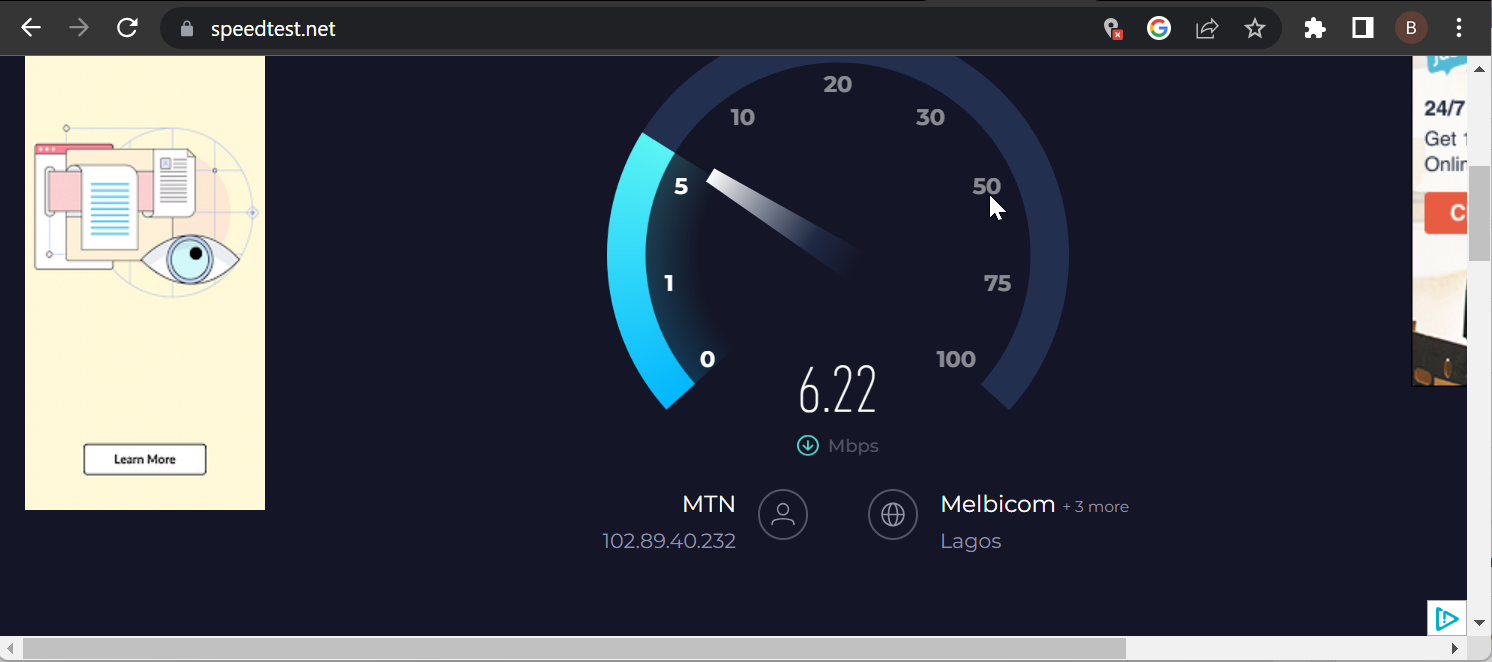
- If possible, switch from Wi-Fi to a wired connection.
Once your connection is stable, retry Putlocker to see if the issue is resolved.
3. Clear browser cache and cookies
Old browser data can interfere with streaming sites. Clear it by following these steps:
- Open your browser settings.
- Navigate to the Privacy or History section.
- Select Clear browsing data.

- Check cache and cookies, then confirm the deletion.
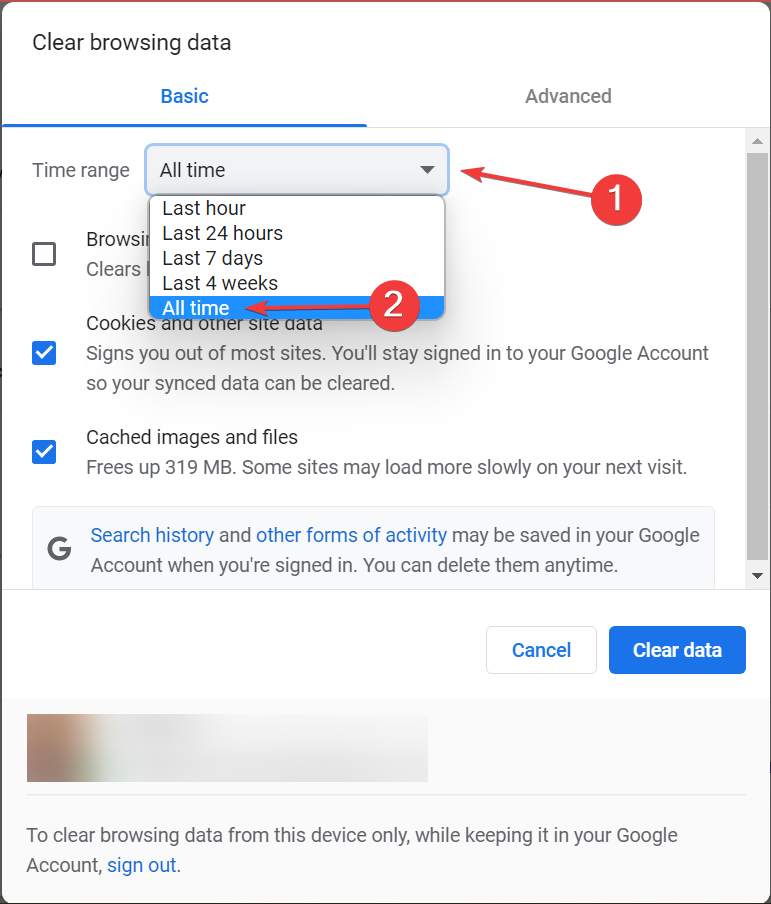
Now reload Putlocker and check if it works normally.
4. Try a VPN
Putlocker may be blocked by your ISP, but a VPN can help you bypass restrictions:
- Choose a reliable VPN service.
- Install the VPN client on your device.
- Connect to a server in another country.
- Try reloading Putlocker with the VPN enabled.
Before using it, make sure you understand whether Putlocker is safe and legal in your region.
5. Use another streaming site
If none of the fixes work, the issue may be on Putlocker’s servers. In that case, try the following:
- Search for updated mirror domains of Putlocker.
- Switch temporarily to another free streaming platform.
- Bookmark a few reliable alternatives for future use.
Other platforms can also face downtime, like when MyFlixer stopped working. Switching providers ensures you can keep streaming without interruptions. If you’re looking for options, see our guide on My Family Cinema not on Google Play for more details.
FAQs
It could be blocked in your country, your internet may be unstable, or the server is down.
Yes, you can use a VPN or choose a reliable alternative platform.
There are risks with unofficial streaming platforms. Check local laws and proceed carefully.
They may face domain seizures, ISP blocks, or server issues.
Clear browser data, restart your router, and try a VPN connection.

Read our disclosure page to find out how can you help Windows Report sustain the editorial team. Read more


Improve this guide


User forum
0 messages