
How to Run Trust Wallet on PC [Full Guide]
Trust Wallet doesn't have a PC app but you can still use it


 2 min. read
  Updated on
Key notes
- With more and more people using cryptocurrencies, having access to managing the app directly on your PC is essential.
- You can easily install TrustWallet on your device by first installing LD Player on your computer.
- Once installed on your device, you will be able to download the Trust Wallet app on your PC.

Trust Wallet is one of the most secure and trusted crypto wallets that allows you to easily buy, store, collect NFTs and perform many other cryptocurrencies actions.
If you are just now starting to use cryptocurrencies and related applications, don’t worry we will show you exactly how you can run Trust Wallet on your Windows 10 PC in a few easy steps.
Is there a Trust Wallet app for PC?
More than 5 million people are using Trust Wallet and thanks to it being such an easy-to-use mobile application, is expected that the number to keep on growing.
However, right now, there is no dedicated app for PC. However, you can still use it on your computer with a little help.
How can I run Trust Wallet on my PC?
- Go to LD Player download page and click on Download.

- Once the downloading process has finished, launch the installer.
- Next, open LD Player and type TrustWallet in the search bar.
- Locate TrustWallet in the list and click on Install.
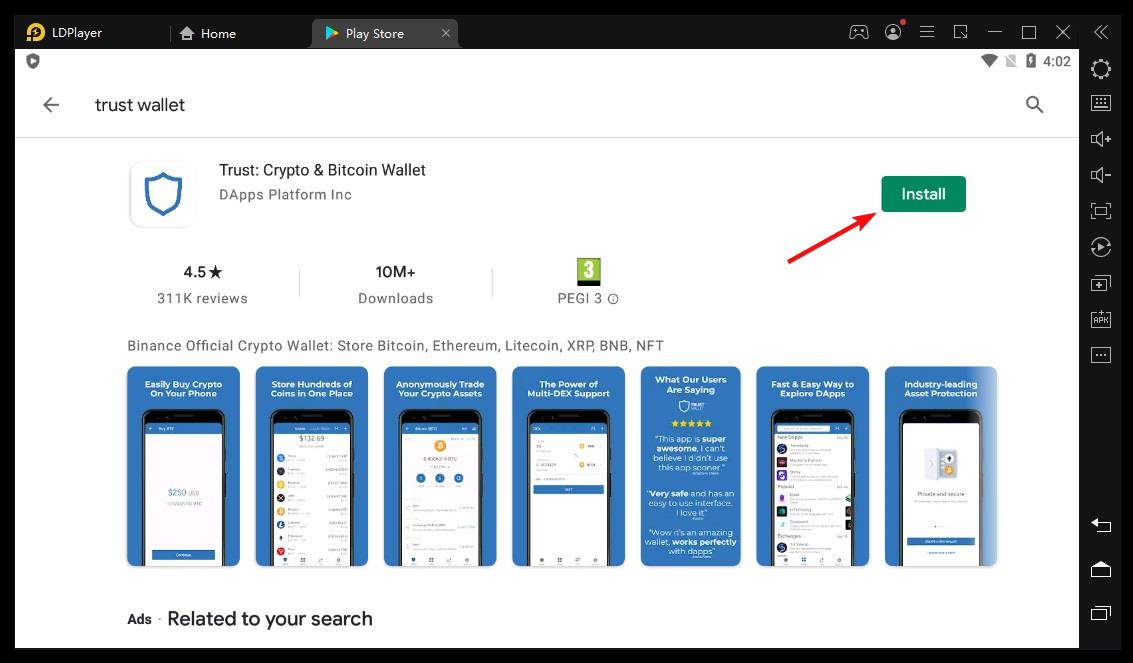
- After the installation process ends, locate TrustWallet on your desktop.
- Click on it to open it and simply follow the sign-in steps.
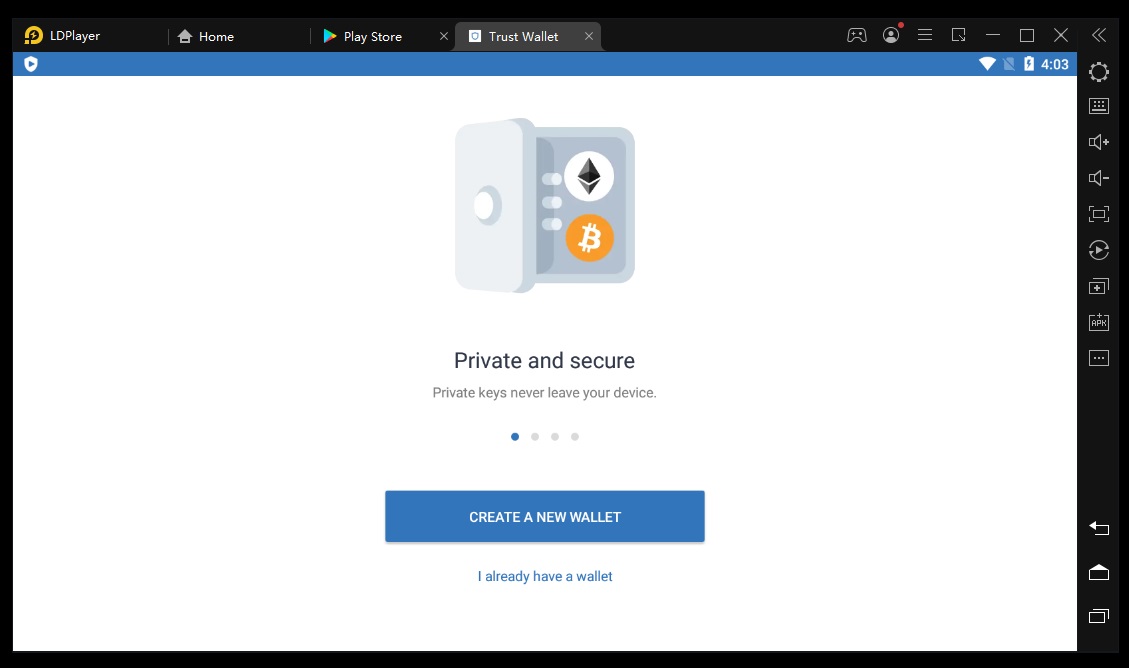
This is about all and by following the steps we have indicated in this article you should be able to run TrustWallet on your PC without a problem.
Trust Wallet is the perfect solution for having an easy and secure way of managing cryptocurrencies and performing several transactions.
You might also be interested in our article on how to make Trust Wallet work on your browser.
We hope that you have also managed to install Trust Wallet on your device effortlessly, so don’t hesitate to leave us a comment in the dedicated section below.

Read our disclosure page to find out how can you help Windows Report sustain the editorial team. Read more


Improve this guide


User forum
0 messages